
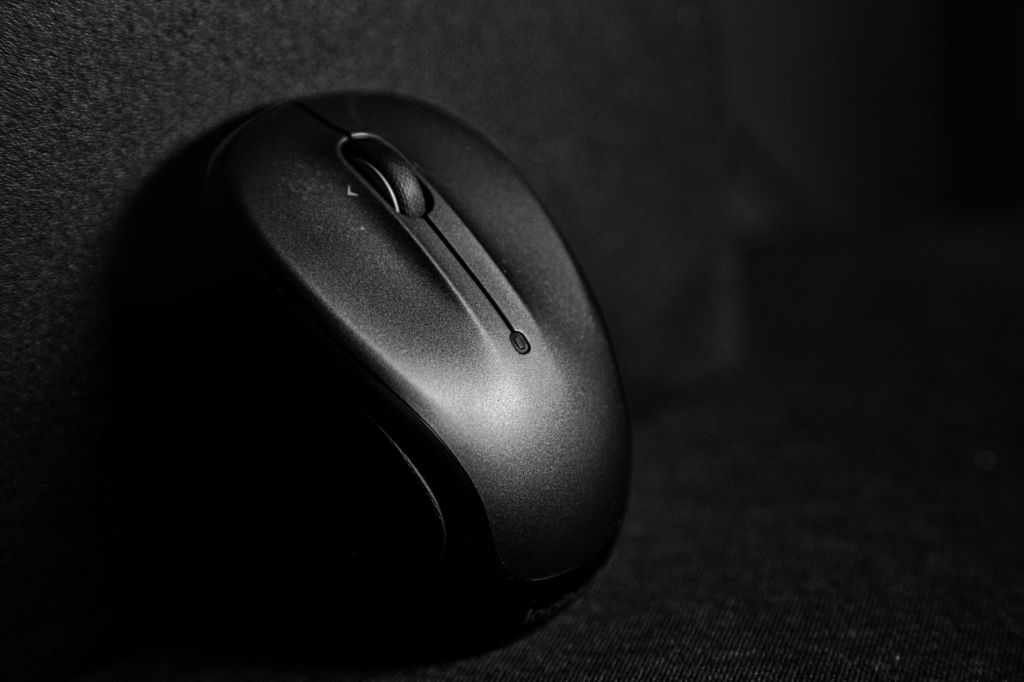
A wireless mouse can make everyday laptop and desktop use more comfortable, convenient and productive. For students, it can help with assignments, online classes and browsing, while office users may benefit from better control during spreadsheets, presentations, documents and long work sessions.
Choosing the right wireless mouse depends on factors such as comfort, battery life, connectivity, size, portability and budget. In this guide, we will look at the important features to consider and the types of wireless mouse that may suit students, professionals and work-from-home users in India.
What to Look for in a Wireless Mouse
Before buying a wireless mouse, it is useful to compare a few important features. A good mouse should feel comfortable in the hand, respond accurately and connect reliably to your laptop or desktop.
Look at the mouse size, shape, battery life, wireless connection type, button quality and portability. Some models use a USB receiver, while others support Bluetooth and can connect without occupying a USB port. If you work for long hours, comfort and ergonomics become especially important.
Students may prefer a compact and affordable model that is easy to carry, while office users may benefit from a larger mouse with better comfort, additional buttons or quieter clicks.
Best Wireless Mouse for Students
Students usually need a wireless mouse that is affordable, compact and easy to carry between home, college, library and classroom. A simple plug-and-play model with reliable tracking and good battery life is often enough for assignments, browsing, online classes and everyday study.
When choosing a mouse for students, look for a lightweight design, comfortable shape, durable buttons and long battery life. A small USB receiver can be convenient, while Bluetooth support may be useful for laptops with limited USB ports.
Students should also consider whether the mouse works smoothly on common surfaces and whether replacement batteries or charging are easy to manage.
Best Wireless Mouse for Office Work
Office users often spend several hours a day working with documents, spreadsheets, presentations and web applications, so comfort and reliability are especially important. A well-designed wireless mouse can reduce hand strain and make repetitive tasks easier to manage.
When choosing a mouse for office work, consider an ergonomic shape, responsive tracking, quiet clicks and long battery life. Extra buttons for navigation can also be useful for users who regularly switch between applications or work with large documents. Check price and availability on Amazon
For shared offices or quiet work environments, silent-click models can be a good choice because they reduce distracting button noise.
Best Compact Wireless Mouse for Travel
A compact wireless mouse is useful for students, professionals and travellers who frequently carry a laptop between different locations. Smaller models take up less space in a backpack or laptop bag and are convenient for temporary workspaces such as libraries, classrooms, cafés and meeting rooms.
When choosing a travel mouse, look for a lightweight design, reliable wireless connection and good battery life. It should be small enough to carry easily but still comfortable enough for regular use.
Models with a storage slot for the USB receiver can be particularly useful because they reduce the chance of losing the receiver while travelling.
View HP Z3700 Wireless Mouse on Amazon
Best Ergonomic Wireless Mouse for Long Working Hours
People who use a computer for many hours each day may benefit from an ergonomic wireless mouse designed to support a more natural hand position. A comfortable shape can help reduce fatigue during long periods of browsing, document work, spreadsheets and other repetitive tasks.
When choosing an ergonomic mouse, consider the size of your hand, grip style, button placement and overall shape. Some users prefer a traditional curved design, while others may find a vertical-style mouse more comfortable.
It is also useful to look for smooth tracking, reliable connectivity and easy-to-reach buttons so the mouse remains comfortable as well as practical for daily work.
View Logitech Lift Vertical Ergonomic Wireless Mouse on Amazon
Best Bluetooth Wireless Mouse
A Bluetooth wireless mouse can be a convenient choice for laptops and tablets because it does not require a USB receiver. This helps keep USB ports free for other accessories such as storage devices, keyboards or USB hubs.
When choosing a Bluetooth mouse, check whether your device supports the required Bluetooth version, how quickly the mouse reconnects after sleep and whether it can pair with more than one device. Multi-device models can be useful for users who switch between a laptop, tablet and desktop computer.
Battery life, comfort and connection stability are also important, especially if the mouse will be used regularly for study, office work or travel.
View Logitech Pebble Mouse 2 M350s on Amazon
Best Silent Wireless Mouse
A silent wireless mouse can be useful in classrooms, libraries, shared offices and quiet workspaces where repeated clicking sounds may be distracting. These mice are designed to reduce button noise while still providing normal control for everyday computer tasks.
When choosing a silent mouse, consider click feel, comfort, tracking accuracy, battery life and connectivity. Some models are compact and portable, while others are designed for longer office use with a larger, more ergonomic shape.
A silent mouse can be especially helpful for students attending online classes, professionals working in shared spaces and users who prefer a quieter desktop setup.
View Logitech M170 Wireless Mouse on Amazon
Best Budget Wireless Mouse
A budget wireless mouse can be a practical choice for students, first-time buyers and users who need a simple device for everyday tasks. Many affordable models provide reliable basic performance for browsing, assignments, office documents and general laptop use.
When choosing a budget mouse, focus on comfort, connection reliability, battery life and build quality rather than unnecessary features. A low-cost mouse can still be a good choice if it provides stable tracking and suits your hand size.
It is also useful to compare warranty support and customer feedback before buying, especially when choosing among similarly priced models.
Which Wireless Mouse Should You Choose?
The best wireless mouse depends on how and where you plan to use it. Students may prefer a compact and affordable model, while office users may value comfort, quiet clicks and long battery life. Travellers may prefer a smaller mouse, and users who work for many hours may benefit from an ergonomic design.
Before buying, compare the connection type, battery life, size, comfort, tracking quality and compatibility with your device. It is also helpful to check current customer reviews, warranty information and price before making a final decision.
Conclusion
A wireless mouse can make laptop and desktop use more comfortable, especially for students, office workers and people working from home. The right choice depends on your budget, hand comfort, connectivity needs and how many hours you use the mouse each day.
Before purchasing, compare current prices, specifications, warranty details and recent customer reviews. A simple and reliable mouse is often a better choice than paying extra for features you may not need.
Affiliate Disclosure: Some links in this article may be affiliate links. If you make a qualifying purchase through these links, Chrisolas Solutions may earn a commission at no additional cost to you. As an Amazon Associate, Chrisolas Solutions earns from qualifying purchases.


Leave a Reply