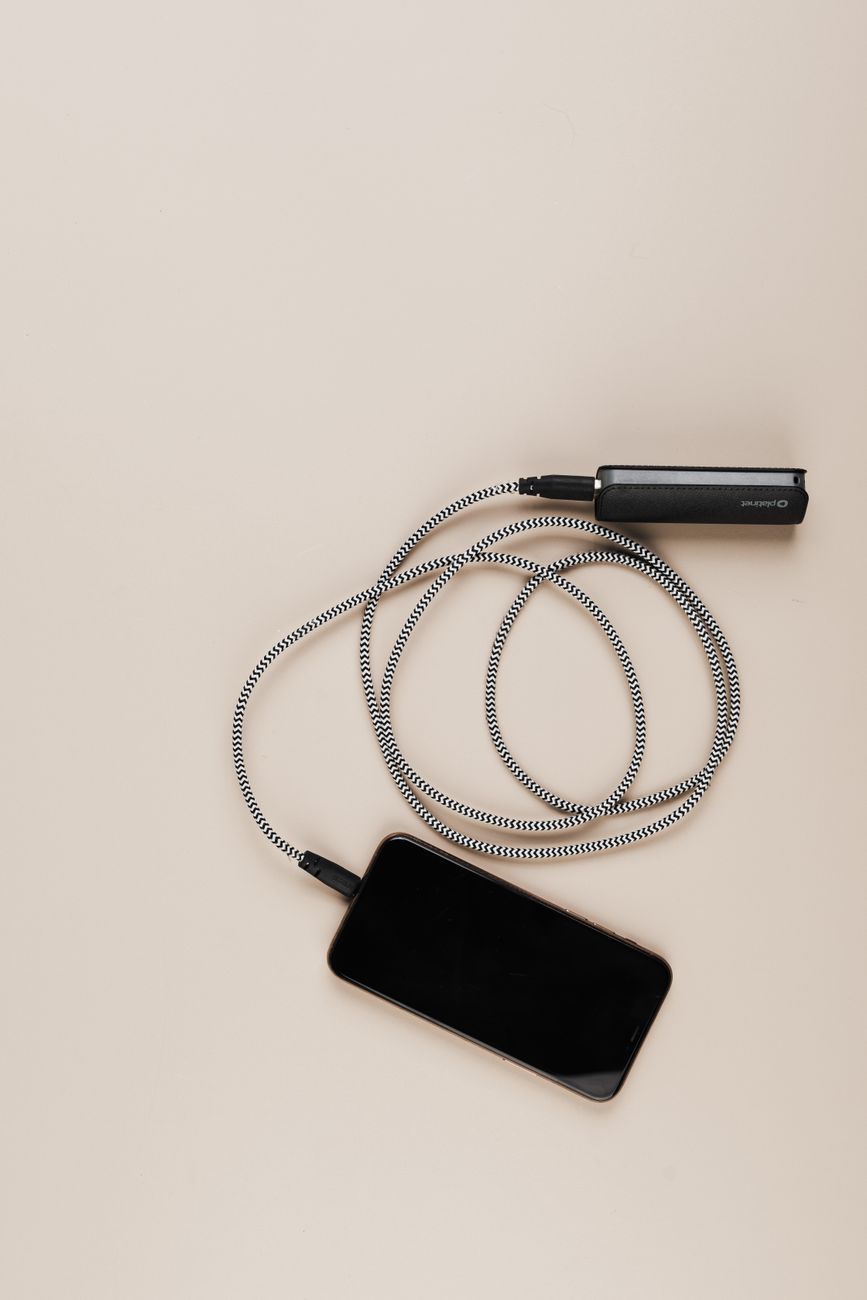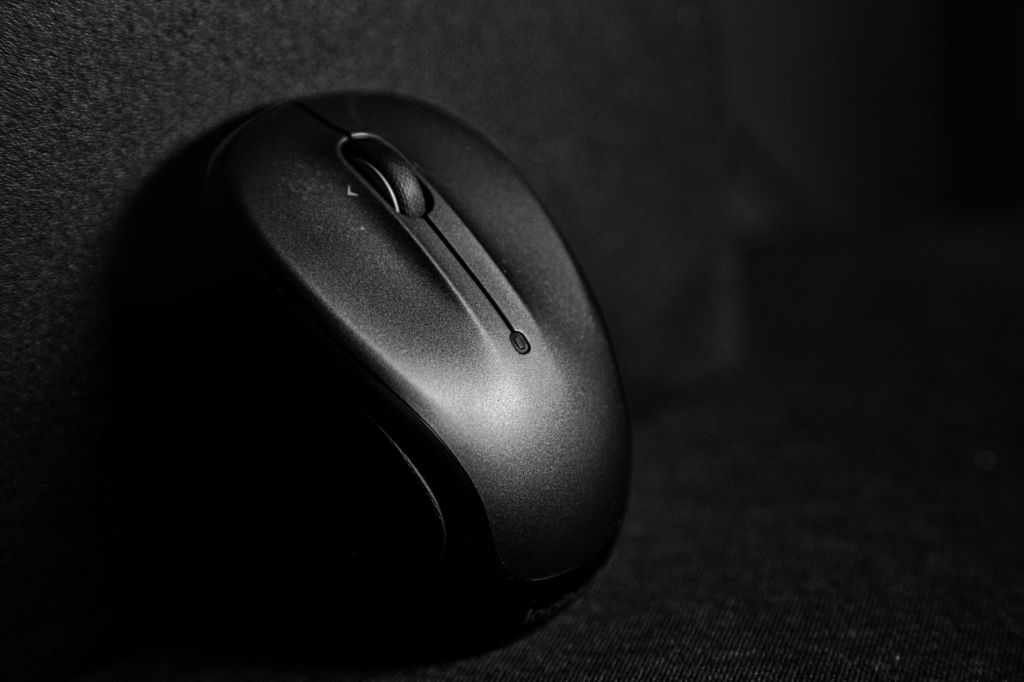

A good laptop bag or sleeve helps protect a laptop while travelling between home, college, office, training centres and other locations. It can also make it easier to carry chargers, documents, a mouse, headphones and other everyday accessories.
Students and professionals may need different types of protection depending on how often they travel, the size of the laptop and how many additional items they carry.
In this guide, we will look at the important features to consider when choosing a laptop bag or sleeve in India.
1. Laptop Bag vs Laptop Sleeve
A laptop sleeve is a simple protective cover designed mainly for the laptop itself. It is usually lightweight and can be placed inside another backpack or travel bag.
A laptop bag generally provides more storage space and may include handles, shoulder straps and compartments for accessories.
Choose a sleeve if you want simple protection and portability. Choose a laptop bag if you need to carry additional items along with the laptop.
2. Correct Laptop Size
Laptop bags and sleeves are designed for specific screen sizes.
Before buying, check your laptop dimensions and compare them with the internal dimensions of the bag or sleeve.
A product labelled for a particular screen size may still fit differently depending on the laptop’s overall dimensions.
A snug fit helps prevent unnecessary movement inside the bag.
3. Padding and Protection
Padding is one of the most important features in a laptop bag.
A well-padded compartment can help protect the laptop from minor knocks and everyday handling.
Look for padding around the base, sides and corners of the laptop compartment.
Remember that no ordinary laptop bag can guarantee protection from severe drops or impacts.
4. Water Resistance
A water-resistant outer material can provide additional protection from light rain or accidental splashes.
This can be useful for students and professionals who travel frequently.
Water-resistant does not necessarily mean waterproof, so electronic devices should still be protected carefully during heavy rain.
5. Storage Compartments
Additional compartments can help organise:
- Laptop charger
- Wireless mouse
- USB hub
- External storage
- Power bank
- Headphones
- Documents
- Pens
- Cables
Choose enough storage for your regular accessories without buying a bag that is unnecessarily large.
6. Laptop Bags for Students
Students often carry books, notebooks, chargers and other study materials along with a laptop.
A backpack-style laptop bag can distribute weight across both shoulders and may be convenient for daily travel.
Look for comfortable straps, sufficient padding and separate storage for books and electronics.
7. Laptop Bags for Professionals
Professionals may prefer a cleaner and more formal laptop bag for office use and business meetings.
Shoulder bags, briefcase-style bags and professional backpacks are common options.
Consider document storage, organisation, durability and whether the bag matches your normal work environment.
8. Laptop Sleeves for Everyday Protection
A laptop sleeve can be useful when the laptop is already carried inside another backpack or suitcase.
Sleeves are usually lightweight and take up less space than dedicated laptop bags.
Look for adequate padding, a reliable zipper and soft material around the laptop to help prevent scratches.
9. Backpack vs Shoulder Bag
Laptop backpacks can be more comfortable when carrying heavier loads over longer distances.
Shoulder bags provide faster access to the laptop and may suit office environments.
The better option depends on travel distance, the amount of equipment carried and personal comfort.
10. Handle and Shoulder Strap Quality
Handles and straps experience regular stress during daily use.
Check whether handles are securely attached and whether shoulder straps are adjustable.
For heavier bags, padded shoulder straps can improve comfort.
11. Zippers and Closures
Zippers should operate smoothly and feel durable.
Poor-quality zippers can become inconvenient if used several times each day.
Check whether the laptop compartment has a secure closure and whether important pockets can be closed properly.
12. Build Quality
A laptop bag should withstand regular travel and handling.
Check stitching, material quality, strap attachment points and the strength of the base.
Recent customer reviews can provide useful information about durability after several months of use.
13. Weight of the Bag
A heavily constructed laptop bag can provide good protection but may add unnecessary weight.
Students and commuters should consider the empty weight of the bag, especially if they already carry books or accessories.
Choose a balance between protection and portability.
14. Travel-Friendly Features
Frequent travellers may benefit from features such as:
- Trolley straps
- Multiple compartments
- Easy-access pockets
- Compact dimensions
- Secure zippers
If travelling by air, also check the airline’s current cabin baggage size and weight rules.
What to Check Before Buying
Before purchasing a laptop bag or sleeve, compare:
- Laptop size compatibility
- Padding
- Water resistance
- Number of compartments
- Strap comfort
- Handle strength
- Zipper quality
- Build quality
- Weight
- Portability
- Warranty
- Recent customer reviews
Choose the bag according to how you normally carry and use your laptop.
Which Laptop Bag or Sleeve Should You Choose?
Students may prefer a padded backpack with space for books and accessories.
Office professionals may prefer a more formal shoulder bag or professional backpack.
Users who already carry a separate backpack may only need a protective sleeve.
Frequent travellers should prioritise durability, portability and easy organisation.
Conclusion
A laptop bag or sleeve can help protect your laptop and make everyday travel more organised. The right choice depends on laptop size, the amount of equipment you carry and how frequently you travel.
Before purchasing, compare dimensions, padding, material quality, storage space, warranty information and recent customer reviews. Choose a product that provides practical protection without adding unnecessary bulk.
Affiliate Disclosure: Some links in this article may be affiliate links. If you make a qualifying purchase through these links, Chrisolas Solutions may earn a commission at no additional cost to you. As an Amazon Associate, Chrisolas Solutions earns from qualifying purchases.