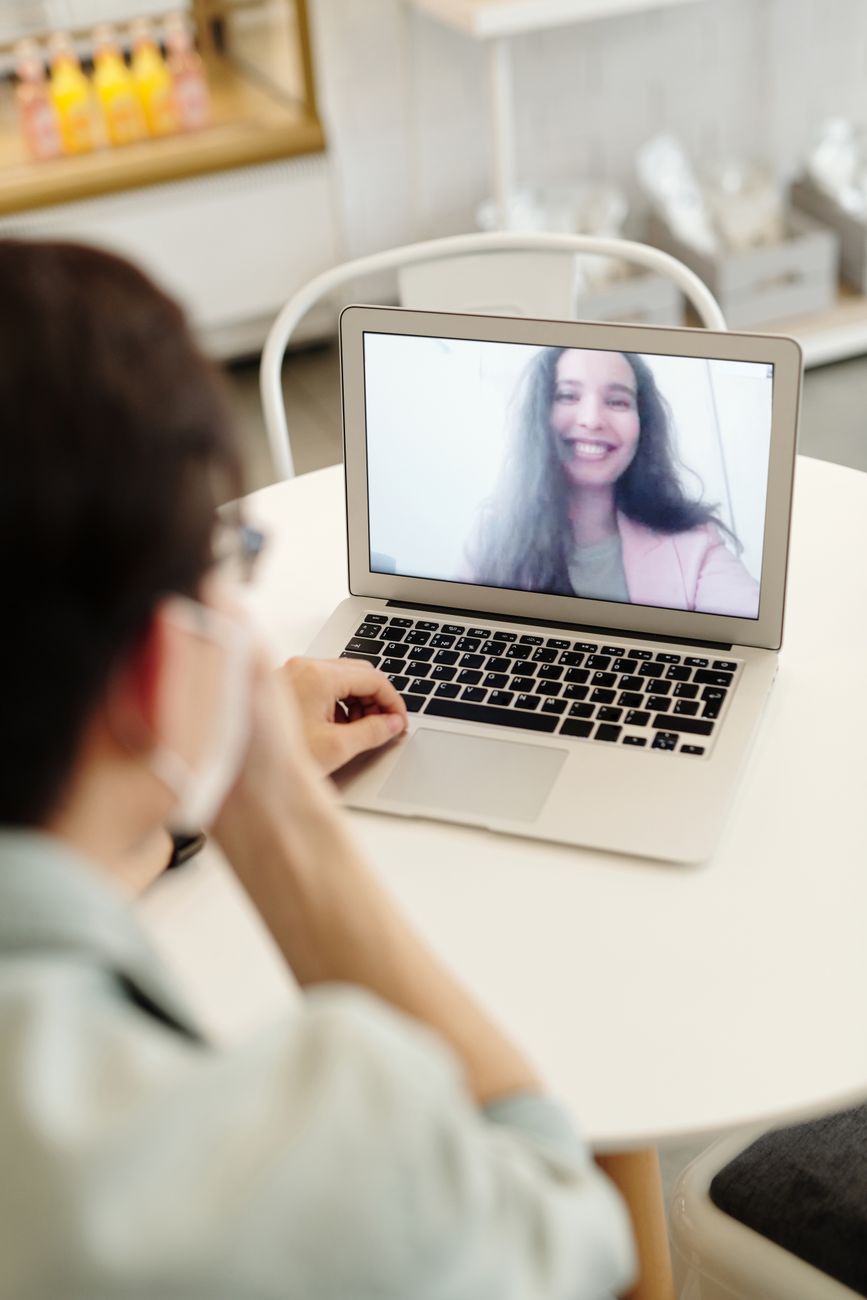
A good webcam can improve video quality during online classes, office meetings, interviews, training sessions and remote work. While many laptops include built-in cameras, the quality may not always be sufficient for clear communication.
An external webcam can provide better image quality, improved positioning and, in some cases, better microphones and low-light performance.
In this guide, we will look at the main features to consider when choosing a webcam in India.
1. Video Resolution
Video resolution is one of the first features to check.
For most online classes and office meetings, Full HD 1080p is usually sufficient. Lower-resolution webcams may still work for basic calls, while higher-resolution models may be useful for content creation or professional presentations.
Keep in mind that video quality also depends on lighting, internet speed and the video conferencing platform being used.
2. Frame Rate
Frame rate affects how smooth the video appears.
Many webcams support 30 frames per second, which is adequate for normal meetings and classes. Higher frame rates can make movement look smoother, but they may also require more bandwidth and processing power.
For most students and office users, stable 1080p video at 30 fps is generally enough.
3. Built-In Microphone
Some webcams include one or more microphones.
A built-in microphone can be convenient for basic calls, but microphone quality varies significantly between models.
If clear voice communication is very important, an external headset or dedicated microphone may provide better results.
Before buying, check whether the webcam microphone includes features such as noise reduction or stereo recording.
4. Low-Light Performance
Not everyone works in a brightly lit room.
A webcam with good low-light performance can help maintain clearer video when lighting conditions are not ideal.
Some webcams automatically adjust brightness and exposure based on the room.
However, even a good webcam performs better with proper lighting. A simple desk lamp or natural light from a window can significantly improve video quality.
5. Autofocus vs Fixed Focus
Autofocus webcams automatically adjust focus when you move closer to or farther away from the camera.
This can be useful for presentations, demonstrations and professional calls.
Fixed-focus webcams are simpler and may work well when the user remains at a consistent distance from the camera.
For normal online classes and meetings, either option may be suitable depending on your needs.
6. Field of View
Field of view determines how much of the room or workspace appears in the video.
A narrower field of view is suitable for individual video calls because it keeps attention on the user.
A wider field of view may be useful for training sessions, group meetings or presentations where more than one person needs to appear on screen.
Choose a field of view that matches your normal use.
7. Mounting and Positioning
A webcam should be easy to position securely.
Most webcams include a clip that attaches to the top of a laptop or monitor. Some models also include a tripod mounting point.
Check whether the webcam can be tilted or adjusted easily so that the camera is positioned close to eye level.
Good positioning can improve video appearance even without changing the webcam itself.
8. Privacy Features
Privacy is important when using a webcam regularly.
Some webcams include a built-in privacy shutter or removable lens cover. This allows the camera lens to be physically covered when it is not in use.
If the webcam does not include one, an external privacy cover may be used as long as it does not interfere with the camera.
9. USB Compatibility
Most external webcams connect through USB.
Before buying, check whether the webcam uses USB-A or USB-C and whether your laptop has the required port.
Many webcams are plug-and-play and work without additional drivers, but compatibility with Windows, macOS or other operating systems should still be verified.
10. Webcam for Students
Students usually need a webcam for online classes, interviews, group discussions and presentations.
A simple 1080p webcam with a reliable microphone and easy mounting system is often sufficient.
Students should also consider affordability, portability and compatibility with commonly used platforms such as Google Meet, Microsoft Teams and Zoom.
Recommended Budget Webcam – Logitech C270 HD Webcam
The Logitech C270 HD Webcam is an affordable and practical choice for students, teachers, office professionals and home users who need reliable video communication. It is particularly suitable for online classes, virtual meetings, video calls and everyday work-from-home activities.
The webcam supports HD 720p video recording at up to 30 frames per second, providing adequate picture quality for routine video conferencing. Its built-in noise-reducing microphone helps capture speech, while automatic light correction adjusts the image according to available lighting conditions.
The Logitech C270 features a universal mounting clip that can be attached to compatible laptop screens or desktop monitors. Its USB connection makes installation straightforward on supported computers, without requiring a complicated setup.
Although it does not offer Full HD 1080p resolution, the Logitech C270 remains a practical option for users who prioritize affordability, simplicity and dependable everyday video communication.
View Logitech C270 HD Webcam on Amazon
11. Webcam for Office Work
Professionals may spend several hours each week in video meetings.
For office use, image quality, autofocus, low-light performance and microphone clarity become more important.
A webcam with reliable performance and good positioning can make online meetings appear more professional.
Recommended Full HD Webcam – Logitech C920 HD Pro Webcam
The Logitech C920 HD Pro Webcam is a high-quality Full HD webcam designed for office professionals, online educators, remote workers and users who require clear video communication. It is particularly suitable for business meetings, virtual presentations, online teaching and video recording.
The webcam supports Full HD 1080p video at up to 30 frames per second, offering greater image detail than standard 720p webcams. Its autofocus system helps maintain a sharp image, while automatic light correction adjusts the picture according to the surrounding lighting conditions.
The Logitech C920 features dual built-in microphones for stereo audio capture, making it convenient for everyday video conferencing without requiring a separate microphone. Its adjustable mounting clip allows installation on compatible laptop screens, desktop monitors or tripods.
With its combination of Full HD resolution, autofocus and integrated microphones, the Logitech C920 is a practical choice for users seeking improved video quality for professional and personal communication.
View Logitech C9https://link.amazon/B0gE3nhLw20 HD Pro Webcam on Amazon
12. Webcam for Trainers and Teachers
Trainers and teachers may need to show documents, demonstrations or a larger part of the room.
A wider field of view, adjustable mounting and good autofocus can be useful in these situations.
An external microphone may also be helpful when conducting longer training sessions.
Recommended Premium 4K Webcam – Logitech MX Brio
The Logitech MX Brio Ultra HD 4K Webcam is a premium video conferencing and streaming camera designed for professionals, online educators, content creators and remote workers who require excellent image quality and advanced functionality.
The webcam supports Ultra HD 4K video at up to 30 frames per second and Full HD 1080p video at up to 60 frames per second, providing detailed images and smooth video for compatible applications. Its advanced image processing and automatic light adjustment help maintain clear video under different lighting conditions.
The Logitech MX Brio features dual noise-reducing microphones, USB-C connectivity and a built-in privacy cover. Its innovative Show Mode allows users to tilt the camera downward to share notes, sketches or objects placed on their desks, making it particularly useful for online teaching, demonstrations and collaborative meetings.
With its combination of 4K resolution, smooth Full HD video, integrated microphones and presentation-friendly features, the Logitech MX Brio is an excellent option to consider for users seeking a premium webcam. Actual video quality and available features depend on the computer, software and lighting conditions.
View Logitech MX Brio Ultra HD 4K Webcam on Amazon
What to Check Before Buying
Before purchasing a webcam, compare:
- Video resolution
- Frame rate
- Microphone quality
- Autofocus
- Low-light performance
- Field of view
- Mounting options
- Privacy shutter
- USB compatibility
- Operating system support
- Warranty
- Recent customer reviews
Choose features according to how frequently you use video calls and the type of work you perform.
Conclusion
A webcam can improve communication during online classes, meetings, interviews, training and remote work. For most users, a reliable Full HD webcam with good lighting performance and convenient mounting will be sufficient.
Before buying, compare specifications, compatibility, warranty information and recent customer reviews. A suitable webcam should provide clear video without requiring unnecessary features that increase the price.
Affiliate Disclosure: Some links in this article may be affiliate links. If you make a qualifying purchase through these links, Chrisolas Solutions may earn a commission at no additional cost to you. As an Amazon Associate, Chrisolas Solutions earns from qualifying purchases.


Leave a Reply